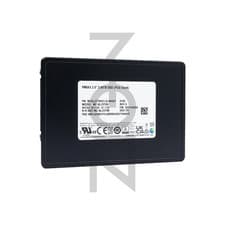
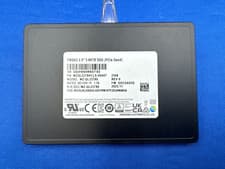
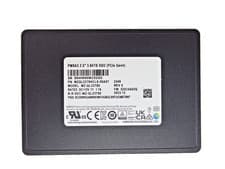
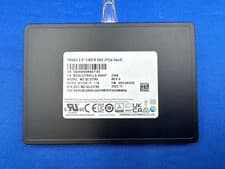
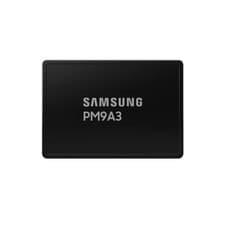
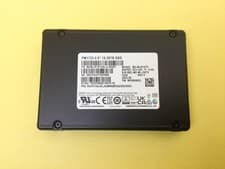
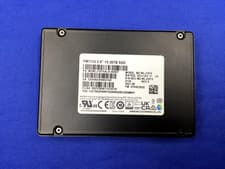
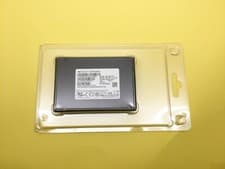
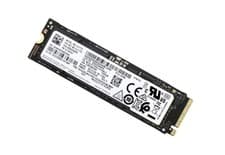
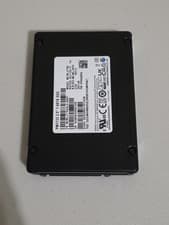
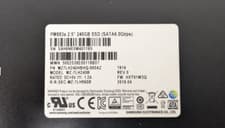
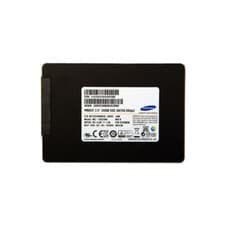
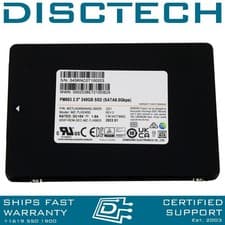
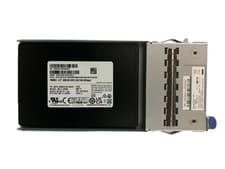
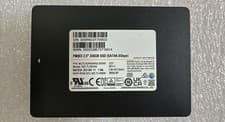
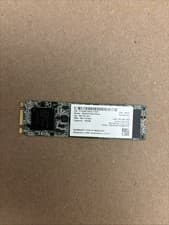
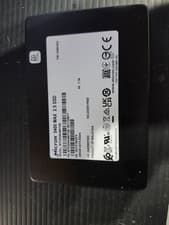
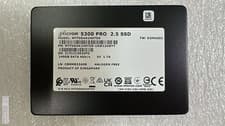
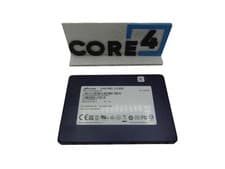
Samsung PM9A3 3.84TB
(MZQL23T8HCLS-00A07)U.2U.2 NVMeRead 6800 MB/sWrite 4000 MB/s3.84TBNVMe
HIGH

2021–2023
The Lenovo ThinkSystem SR650 V2 (SR650 V2) is matched with Samsung PM9A3 3.84TB, Samsung PM1733 15.36TB, Micron 5400 PRO 3.84TB, Seagate Nytro 3350 1.92TB, Samsung PM1733 7.68TB, Samsung PM893 480GB, Micron 5400 PRO 960GB, Micron 5400 PRO 1.92TB, Micron 5400 PRO 480GB. Compatible storage type: 2.5-inch SATA SATA III. Capacity guidance: up to 7.68TB. Before buying, confirm your exact model number, storage interface, physical size, and connector/keying. Listings are from eBay and Amazon and may change.
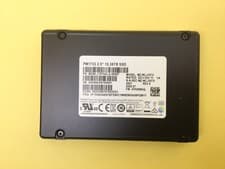
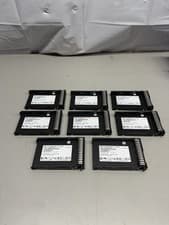
Samsung PM1733 15.36TB4 listings
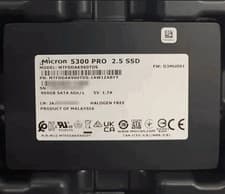
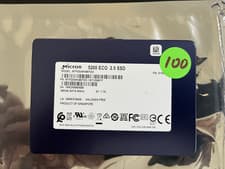
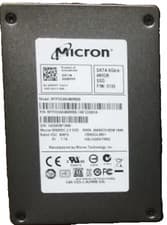
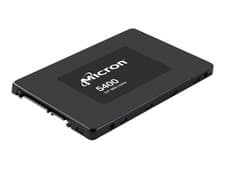
Micron 5400 PRO 3.84TB1 listing
Samsung PM893 480GB5 listings
Micron 5400 PRO 960GB1 listing
Listings and prices are pulled from eBay and Amazon and may change. Always verify compatibility — confirm your exact model number, storage interface, physical size, and connector/keying — before purchase. Last checked June 20, 2026.
This device uses a 2.5-inch SATA drive with a SATA III interface. Maximum supported capacity is 7.68TB.
This device supports SATA SSDs. While slower than NVMe, SATA SSDs are still a major improvement over traditional hard drives.
Always power off your device and disconnect power before replacing storage.
The Lenovo ThinkSystem SR650 V2 (SR650 V2) is matched with Samsung PM9A3 3.84TB, Samsung PM1733 15.36TB, Micron 5400 PRO 3.84TB, Seagate Nytro 3350 1.92TB, Samsung PM1733 7.68TB, Samsung PM893 480GB, Micron 5400 PRO 960GB, Micron 5400 PRO 1.92TB, Micron 5400 PRO 480GB. It supports 2.5-inch SATA SATA III. This device supports up to 7.68TB based on our records. Before buying, confirm your exact model number, storage interface, physical size, and connector/keying.
Verify your full model number against the device page, then confirm the physical form factor (2.5-inch SATA), interface (SATA III), and M.2 keying if applicable. Compare against your existing drive or manufacturer specs before purchase.
The Lenovo ThinkSystem SR650 V2 (SR650 V2) is recorded with a SATA-class interface (2.5-inch SATA SATA III). NVMe drives typically require an NVMe-capable M.2 slot and matching keying — do not assume NVMe works if your model only supports SATA. Check your exact model and slot before buying.
Yes. M.2 drives vary by length (e.g. 2280) and keying (B-key, M-key, B+M). 2.5-inch and other form factors must match the bay or adapter your device accepts. The Lenovo ThinkSystem SR650 V2 (SR650 V2) is documented as 2.5-inch SATA SATA III — a drive with the wrong size or key will not fit or work.
Listings and prices are pulled from eBay and Amazon and may change at any time. We refresh marketplace data regularly, but always verify the listing title, condition, and seller before purchase.